 AISBF
AISBF
AI Service Broker Framework — AI Should Be Free
AISBFAI Service Broker Framework — AI Should Be Free
Add an OpenAI-compatible, OAuth, Ollama, RunPod, or CoderAI provider and expose it through stable model IDs.
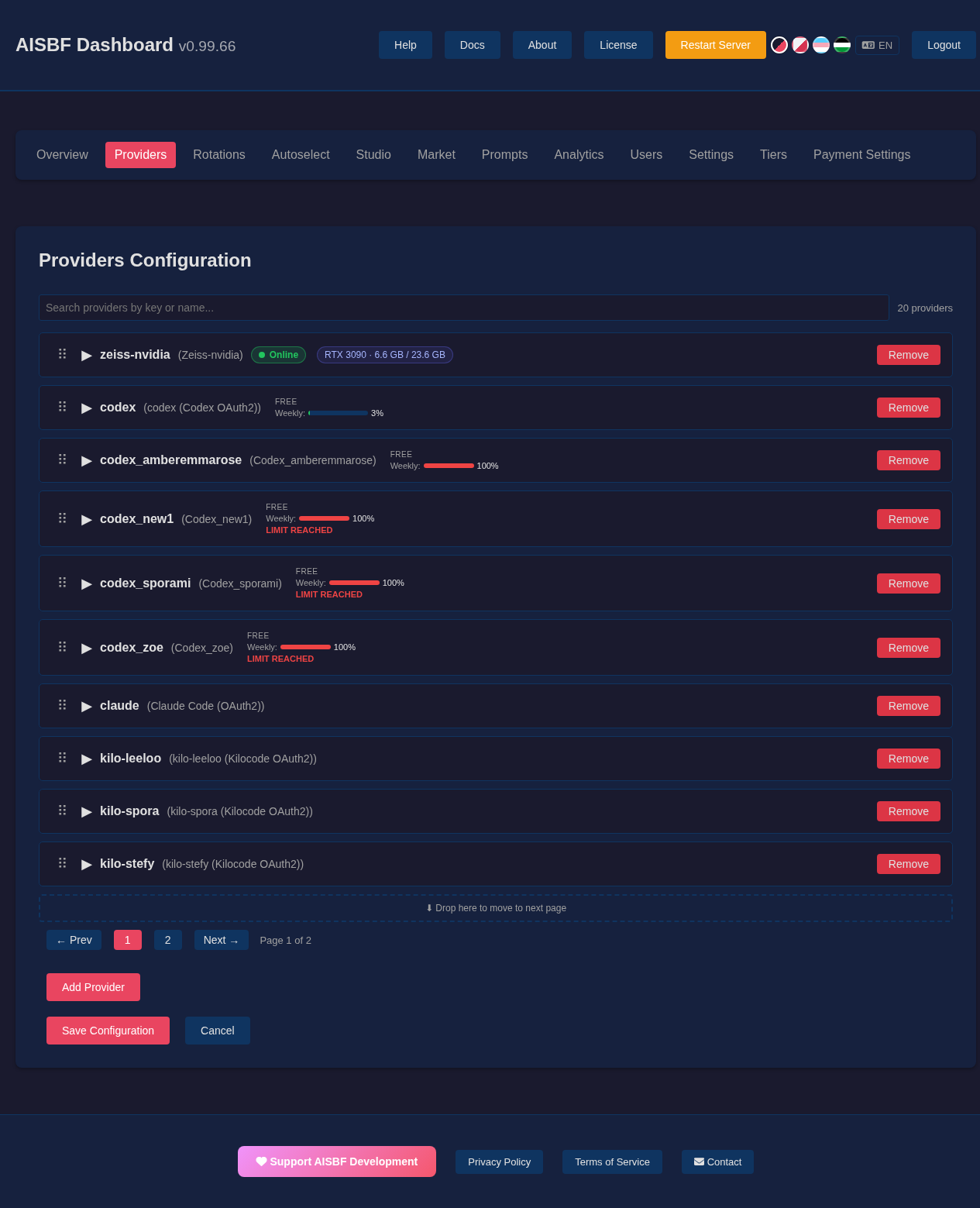
good: openai-prod, private-local, zeiss-nvidia
avoid: test2, new-providerSelect OpenAI, Google, Anthropic, Ollama, Kiro, Claude, Kilocode, Qwen, Codex, CoderAI, or RunPod.
curl -H "Authorization: Bearer $AISBF_API_TOKEN" "https://aisbf.cloud/api/u/$AISBF_USERNAME/providers"
curl -H "Authorization: Bearer $AISBF_API_TOKEN" "https://aisbf.cloud/api/u/$AISBF_USERNAME/myprovider/models"AISBF is open source and also available as a hosted service. During the current testing period, hosted Pro is available as unlimited access for €6/month or €60/year; subscribing helps fund continued AISBF development and infrastructure while this one-human project is still demo-stage.